You check your analytics on a Monday morning.
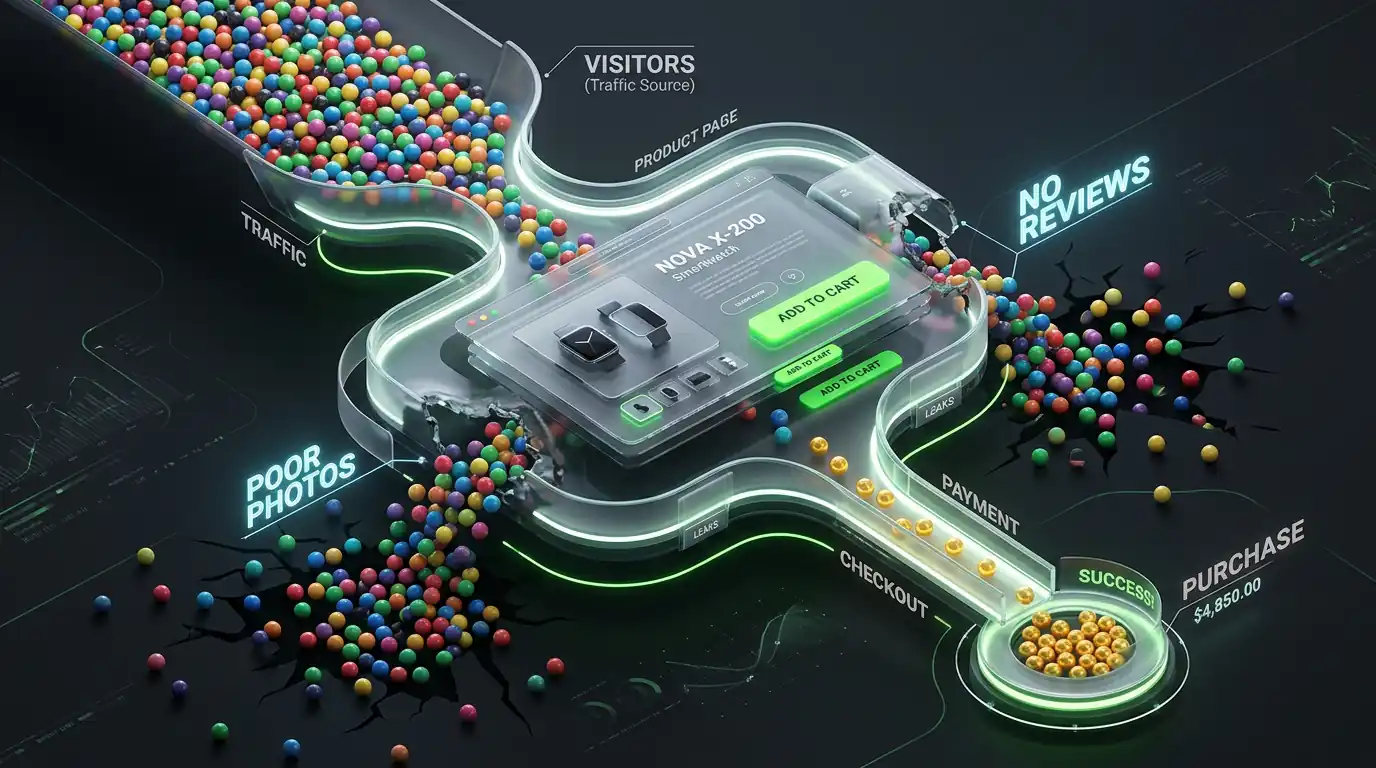
1,200 visitors last week. 340 added something to their cart.
But only 18 completed a purchase.
That's a 94% drop between "added to cart" and "bought something." And the worst part? Those 322 people who abandoned their cart were already interested. They found your store, liked your product enough to add it — and then something stopped them.
That something is almost always your checkout.
Shopify's checkout is solid by default, but the way most store owners configure it — or the things they add to it — creates friction that costs real money every single day.
Here are the five mistakes I see most often, and exactly what to do about each one.
Mistake 1 — Forcing Customers to Create an Account
This is the single most common checkout killer, and it's been true for over a decade.
A customer finds your product, decides to buy it, clicks checkout — and immediately hits a wall asking them to create an account with an email and password. They didn't come to your store to sign up for something. They came to buy a product.
The psychology here is important. Creating an account feels like a commitment. It triggers questions like "Will they spam me?" and "Do I really want another account to manage?" Those questions introduce doubt at the exact moment when the customer should be moving forward, not backwards.
The data on this is brutal. Studies consistently show that forced account creation is one of the top three reasons for cart abandonment across all e-commerce platforms.
How to fix it
Go to your Shopify admin. Click Settings → Checkout. Under the "Customer accounts" section, you'll see three options:
- Accounts are disabled
- Accounts are optional
- Accounts are required
Change this to "Accounts are optional." This lets returning customers log in if they want to, while new customers can check out as a guest without any friction.
After making this change, you'll likely see your checkout completion rate improve within the first week. It's one of the highest-impact, lowest-effort changes you can make.
One more thing: If you're on Shopify's newer checkout experience, make sure "Shop Pay" is enabled. It lets returning customers — even from other Shopify stores — check out with a single tap using their saved information. This dramatically reduces friction for repeat customers without requiring them to create an account on your specific store.
Mistake 2 — Unexpected Costs Appearing at Checkout
Imagine you're buying something listed at $35. You go through the checkout process, enter your address, get to the payment step — and suddenly the total is $52.
Shipping: $9. Handling fee: $3. Tax: $5.
You weren't expecting $52. You were expecting $35. That gap between expectation and reality is called "price shock," and it's responsible for a huge percentage of abandoned checkouts.
Unexpected costs at checkout are the number one reason customers abandon their carts globally, according to the Baymard Institute's research on checkout abandonment. It's not that customers don't want to pay shipping. It's that they didn't know about it until they were already committed.
How to fix it
Show shipping costs early. Add a shipping calculator to your cart page so customers can see what shipping will cost before they start the checkout process. Most Shopify themes support this natively in cart settings.
Be transparent on product pages. Add a line on your product pages like "Free shipping on orders over $50" or "Shipping from $5.99." Set the expectation before the customer even adds to cart.
Consider building shipping into your prices. If your average order is $40 and you charge $8 shipping, test raising your product price by $5 and offering "free shipping." Many stores find conversion rate improves even though the customer pays the same total — because "free shipping" is psychologically powerful.
Show taxes upfront. In your Shopify settings, you can choose to display prices with taxes included. If your customers are primarily in regions with high VAT or sales tax, this eliminates the surprise at checkout.
Eliminate hidden fees entirely. If you're charging handling fees or any other fees beyond the product price and shipping, remove them. Bundle those costs into your pricing or shipping rates instead.
Mistake 3 — A Checkout Process That's Too Long
Every extra step in your checkout is a door your customer has to walk through. Some of them won't make it.
The standard Shopify checkout is already quite streamlined — contact information, shipping, payment. But many store owners add extra steps, extra fields, and extra pages that turn a 2-minute process into a 5-minute ordeal.
Common ways store owners accidentally make checkout longer:
- Adding custom fields asking for information they don't actually need
- Requiring customers to enter their phone number even when it's not necessary for delivery
- Using a third-party checkout app that adds extra steps to the standard flow
- Sending customers to a separate "order review" page before confirming
- Showing upsell offers in the middle of the checkout flow
How to fix it
Remove every field that isn't absolutely necessary. Go through your checkout and ask yourself: "Do we actually need this information to fulfill the order?" If the answer is no, remove the field.
Phone number is a common example. Unless you genuinely need to call customers about their orders, making the phone number field optional (or removing it entirely) reduces friction.
Don't add upsells inside the checkout flow. Upsell offers belong on the cart page before checkout starts, or on the thank you page after the purchase is complete. Interrupting someone mid-checkout to show them more products is a gamble that often backfires — you might make a slightly larger order from 5% of customers while losing 15% of customers who get distracted or annoyed.
If you're on Shopify Plus, you have access to Checkout Extensibility, which lets you customize your checkout without adding friction. But even on standard Shopify, keeping things simple is almost always the better choice.
Mistake 4 — Not Enough Payment Options
You've removed friction, been transparent about costs, and kept your checkout short. But there's still one more gate your customer has to pass through: actually paying.
If you don't offer the payment method your customer prefers, they leave. It's that simple. And the payment method people prefer varies significantly by region, age group, and shopping habit.
A customer in Germany might expect to pay via bank transfer. A customer in their 20s might want to use Apple Pay or Google Pay. A customer making a larger purchase might want to split it into installments with a buy-now-pay-later option. If you only offer credit card payments, you're invisible to all of them.
How to fix it
Enable Shop Pay. If you haven't already, this is the highest priority. Shop Pay accelerates checkout for returning Shopify customers by auto-filling their saved information. Shopify's data shows that Shop Pay has a significantly higher checkout completion rate than standard credit card checkout.
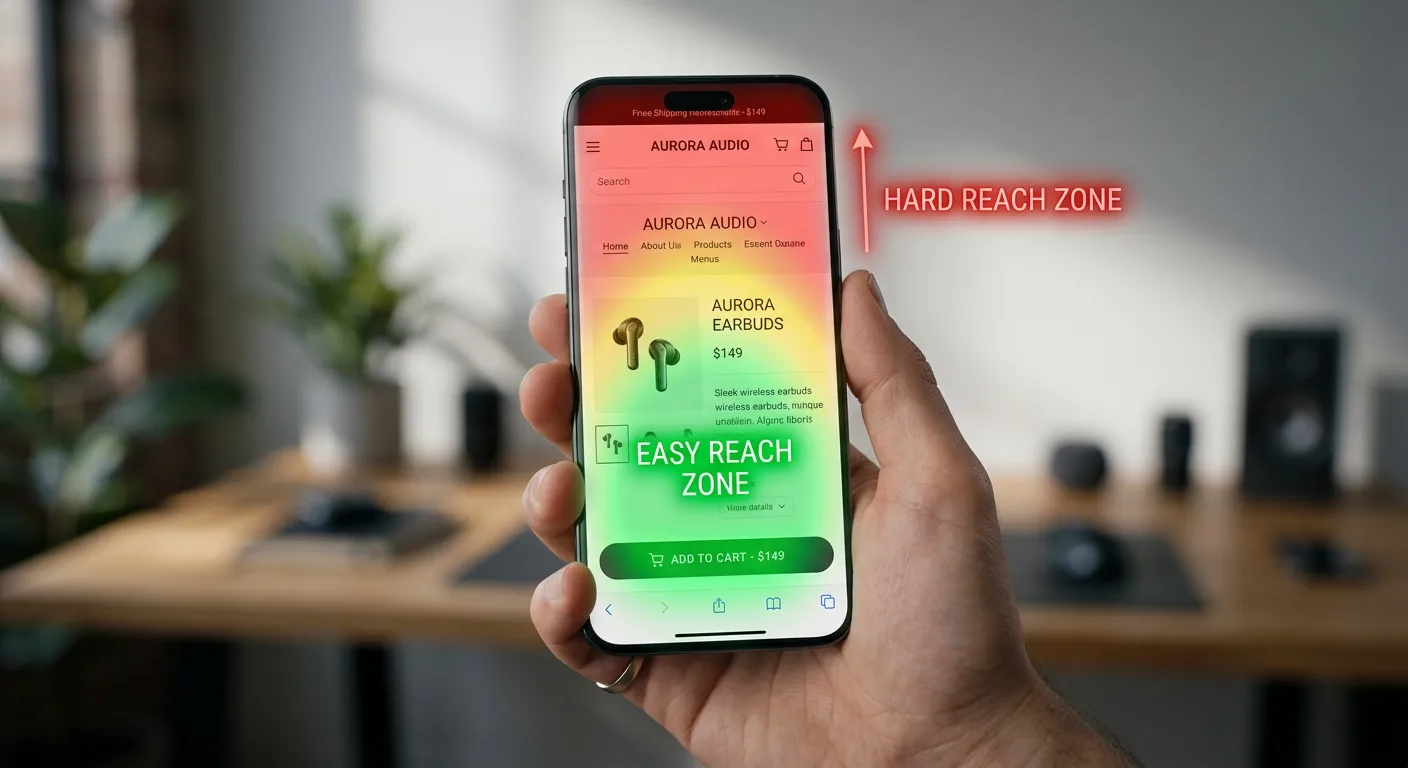
Enable Apple Pay and Google Pay. Both are available through Shopify Payments and can be enabled in your payment settings. These let mobile customers check out with a single touch, without typing anything. On mobile, this is enormous — typing credit card numbers on a phone screen is one of the biggest points of abandonment.
Add a buy-now-pay-later option. Shopify integrates with Shop Pay Installments, Klarna, Afterpay, and Sezzle. For stores selling products above $50, offering installments can significantly increase conversion, especially for first-time customers who aren't sure about committing the full amount. Many customers who would abandon a $120 purchase will complete it if they see "4 payments of $30."
Check what payment methods your customers expect. If most of your traffic comes from a specific country, research what payment methods are most common there and make sure you support them.
Mistake 5 — Your Checkout Doesn't Feel Trustworthy
Your customer is at the payment step. They're about to give you their credit card number. And they're asking themselves a question they might not even consciously realize they're asking:
"Can I trust this store?"
For an established brand with thousands of reviews and strong name recognition, this question answers itself. For a smaller or newer store, it doesn't. And if your checkout doesn't actively answer that question, doubt creeps in and customers abandon.
Trust issues at checkout are particularly common for:
- Stores that are less than 2 years old
- Stores selling higher-priced items
- Stores in competitive niches where scam stores exist
- Stores with little visible social proof
How to fix it
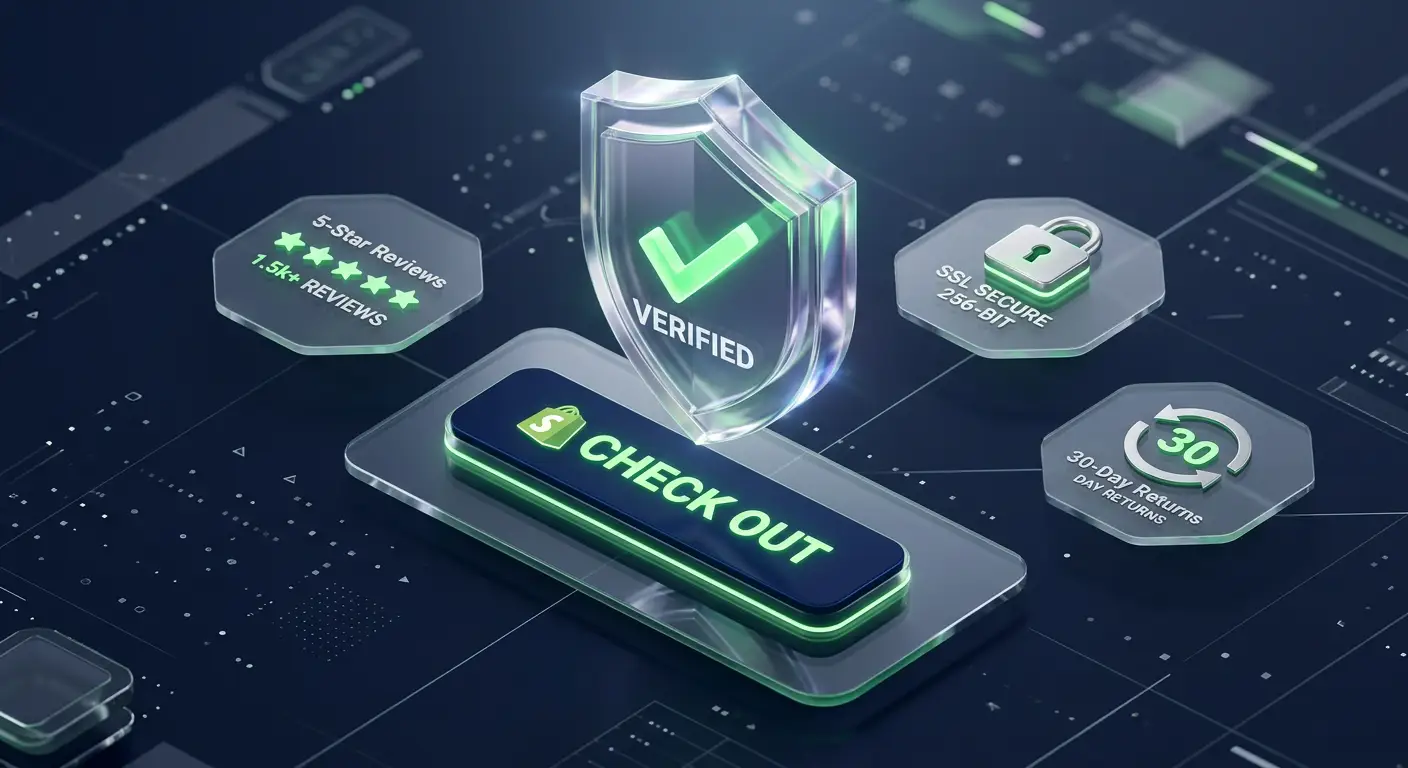
Display security badges near the payment section. SSL certificate badges, "Secure Checkout" messaging, and payment provider logos (Visa, Mastercard, PayPal) all signal that the transaction is safe. Shopify's checkout is genuinely secure, but customers can't see that — you have to show them.
Add a clear, visible return policy. A simple line like "30-day hassle-free returns" near the checkout button removes a major objection. Customers who aren't sure about the product are much more likely to complete the purchase if they know they can return it easily.
Show recent reviews or order counts near checkout. "Join 4,200+ happy customers" or a couple of short review snippets near the checkout area remind the customer that other people have bought from you successfully.
Make your contact information easy to find. A customer who can see that you have a real email address, a phone number, or a live chat option knows that if something goes wrong, they can reach you. Stores that seem hard to contact feel risky.
Check your store's professionalism. Before a customer trusts you with their payment information, they've already formed an impression of your store. Spelling mistakes, broken images, mismatched fonts, or a generic logo all contribute to a feeling that something isn't quite right. First impressions happen before checkout, but they determine whether the customer reaches it.
The One Metric to Watch
After making any of these fixes, the number to track is your checkout completion rate — the percentage of customers who start the checkout process and finish it.
In your Shopify admin, go to Analytics → Reports → Checkout funnel. This shows you exactly where customers are dropping off in your checkout process.
A healthy checkout completion rate for most Shopify stores is between 60% and 80%. If yours is below 50%, one or more of the mistakes above is significantly impacting your revenue.
Fix the issue with the biggest drop-off first. Measure for one to two weeks. Then move to the next.
Quick Reference — The 5 Fixes
Mistake 1 → Force account creation Fix → Make accounts optional in Settings → Checkout
Mistake 2 → Hidden costs appearing late Fix → Show shipping + tax costs before checkout starts
Mistake 3 → Too many steps and fields Fix → Remove every field that isn't necessary for fulfillment
Mistake 4 → Limited payment options Fix → Enable Shop Pay, Apple Pay, Google Pay, and BNPL
Mistake 5 → Checkout doesn't feel trustworthy Fix → Add security badges, return policy, and social proof
These five fixes don't require a developer, don't require a new theme, and most of them can be done in an afternoon. But the impact compounds — fixing all five can meaningfully change your conversion rate within a few weeks.
When the Problem Is Deeper Than Settings
Sometimes you fix all five of these things and the conversion rate still doesn't move. That usually means the problem isn't in your checkout configuration — it's in the checkout experience itself.
Slow checkout page load times, mobile layout issues, payment processing errors, or a theme that makes the checkout feel disconnected from the rest of your store — these are deeper problems that require looking at the actual code and performance of your checkout flow.
If you've worked through this list and your checkout is still underperforming, I'm happy to look at your specific store and tell you what's actually causing the drop-off.