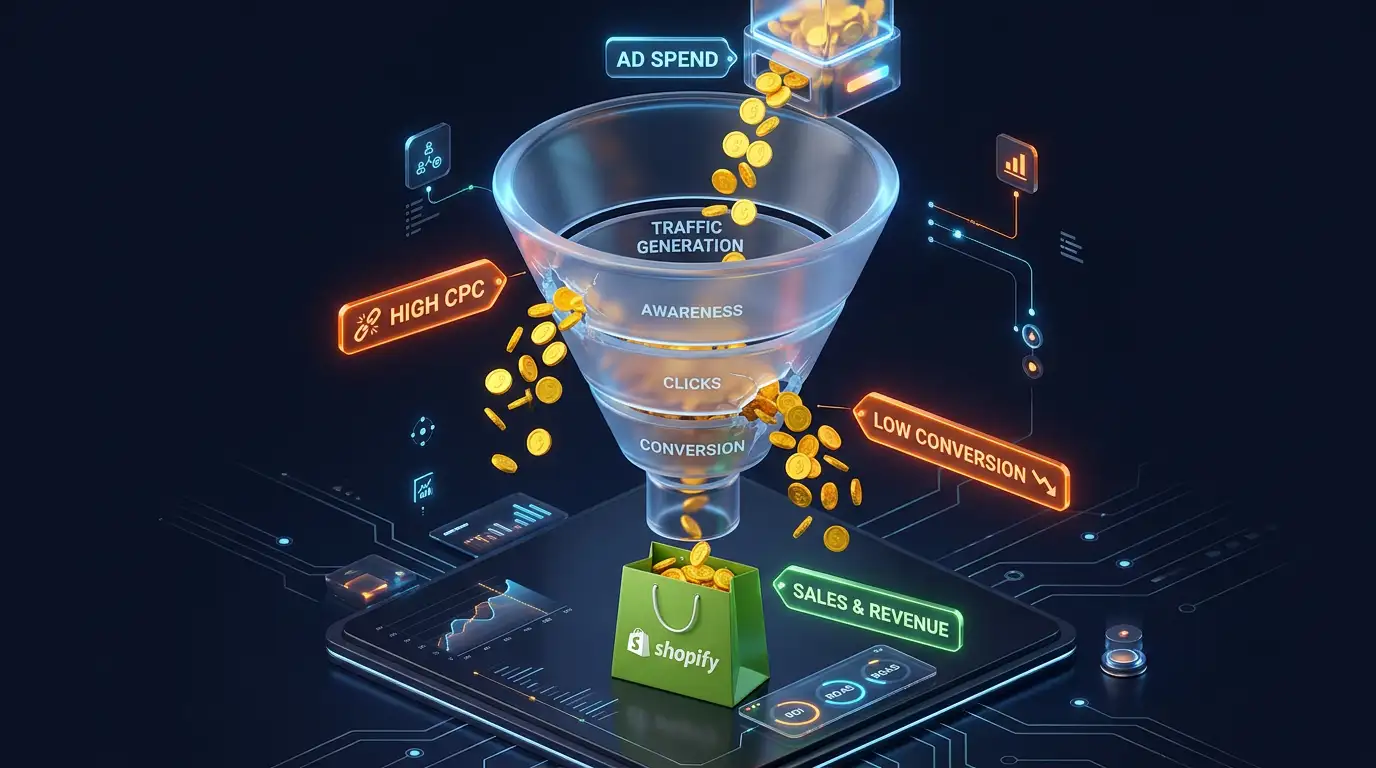
You set up your Facebook or Google ads. You watched the tutorials, followed the setup guides, and launched your campaigns with confidence.
A month later, you've spent $1,200 on ads. You made $1,800 in sales. That's a 1.5x ROAS, which sounds okay — until you account for the fact that your products cost you $900, shipping was $180, and fees took another $60. You made $840 from $1,800 in revenue. After the $1,200 in ad spend, you lost $360.
This is the math that kills Shopify advertising for most store owners. The sales feel real. The revenue looks good in the dashboard. But the profit isn't there.
Here's why it happens and how to fix it.
The Core Problem — Most Store Owners Target the Wrong ROAS
Before fixing anything, you need to know your break-even ROAS — the return on ad spend you need just to not lose money.
Most beginners hear that a 2x or 3x ROAS is good and set that as their target. But whether 3x ROAS is profitable or not depends entirely on your margins. For some products, 3x ROAS is highly profitable. For others, it means losing money on every sale.
How to calculate your break-even ROAS
Add up all your costs as a percentage of revenue: Cost of goods: 40% Shipping: 12% Payment processing: 3% Apps and overhead: 3% Total costs: 58%
Profit margin available: 42%
Break-even ROAS = 1 ÷ 0.42 = 2.38x
In this example, you need a 2.38x ROAS just to break even before ad spend. For any profit after ads, you need higher than 2.38x.
If your target profit margin from ads is 15 percent: Required margin for ads + profit = 42% - 15% profit = 27% for ads Break-even ROAS for 15% profit = 1 ÷ 0.27 = 3.7x
You need a 3.7x ROAS to achieve a 15 percent profit margin after ads.
Calculate this number for your own store before you spend another dollar on advertising. It changes how you evaluate everything.
Problem 1 — Your Landing Page Does Not Match Your Ad
This is the most common and most fixable reason ads lose money.
A customer sees an ad for "Handmade Leather Wallets — Free Shipping." They click it, excited about the product. They land on your homepage — which shows your entire product range, a hero banner about your brand story, and no obvious path to the wallets.
They look around for a moment, don't immediately find what the ad promised, and leave.
You paid for that click. You got nothing from it.
The landing page rules
Every ad should send customers to the most relevant page possible: Ad about a specific product → Product page for that product Ad about a product category → Collection page for that category Ad about a promotion → Page specifically about that promotion Ad about free shipping → Cart or collection page with free shipping messaging prominent
Never send ad traffic to your homepage unless your ad is specifically about your brand — not a product.
The landing page should also visually and textually match the ad. If the ad uses specific language ("premium full-grain leather"), the landing page should use the same language. If the ad shows a specific product photo, that photo should be prominent on the landing page.
Consistency between ad and landing page reduces bounce rate and increases conversion rate — making every dollar of ad spend more effective.
Problem 2 — You're Targeting Too Broadly Too Early
Most advertising platforms will happily let you target enormous audiences. Broad targeting gives the algorithm lots of room to find customers — in theory.
In practice, if you're running a small budget ($20 to $100 per day), broad targeting means your ads are being shown to millions of people and the algorithm doesn't have enough data to figure out who actually buys from you. You end up paying for impressions and clicks from people who will never buy.
The right targeting sequence
Start warm, then go cold.
Warm audiences are people who already have some relationship with you: website visitors, social media followers, email subscribers, past customers. These people already know you exist and have shown some interest. They convert at much higher rates than cold audiences.
Retargeting campaigns — showing ads to people who visited your website but didn't buy — should almost always be your first profitable campaign. Set these up and get them profitable before spending anything on cold audiences.
Lookalike audiences are the bridge.
Once you have 100 to 1,000 customers in your Shopify store, you can create a lookalike audience on Facebook/Meta — an audience of people who statistically resemble your existing customers. This is more efficient than pure broad targeting because the algorithm has a real customer profile to match against.
Broad cold audiences last.
Only scale to broad interest-based or demographic targeting once you've proven your ads are profitable with warm and lookalike audiences.
Problem 3 — You're Measuring the Wrong Metrics
The metrics most store owners watch most closely are often the least useful for understanding whether ads are actually working.
Clicks and impressions tell you about reach, not results. A campaign with a million impressions and ten thousand clicks that produces zero sales has failed.
Cost per click (CPC) is interesting but misleading. A $0.50 CPC sounds good until you realize those clicks convert at 0.1 percent. A $2.50 CPC might be fine if those clicks convert at 4 percent.
ROAS from the ad platform is often overstated. Facebook and Google use attribution models that can claim credit for sales that would have happened without the ad. A customer who saw your ad, left, googled your brand name, and bought from organic search — that sale might be attributed to the ad in Facebook's reporting.
The metrics that actually matter
Profit per order from ads — Revenue minus all costs minus ad spend per order. This is the number that tells you whether ads are making or losing money.
New customer acquisition cost — How much you're spending in ads to acquire one new customer. Compare this to your customer lifetime value (how much a customer spends with you over time). If acquiring a customer costs $30 and the average customer buys twice for a total of $90 in revenue at 40 percent margin, you make $36 from a $30 investment. That works.
Return customer rate — What percentage of customers come back and buy again without needing to be re-acquired through ads? A high return rate makes your initial acquisition cost more defensible.
Problem 4 — Your Product Price Is Too Low for Paid Advertising
There's a minimum viable price point for profitably running paid ads, and it's higher than most people think.
If you're selling a product for $20 with a 40 percent margin, you have $8 of gross profit per sale. To run ads profitably, your cost to acquire each customer needs to be well below $8 — leaving room for other costs. At typical conversion rates and click costs, that's nearly impossible.
Products priced under $30 are extremely difficult to advertise profitably unless you have very high margins, very cheap traffic, or a very high return purchase rate.
Products priced at $50 to $150 with 40 to 60 percent margins are generally the sweet spot for profitable Shopify advertising.
Options if your prices are too low
Bundle products to increase average order value. Instead of advertising a $22 product, advertise a bundle of three for $59. The unit economics for advertising immediately improve.
Upsell aggressively. If your advertised product is $25 but customers who buy it typically add another $30 in the cart, your effective value per customer is $55 — which changes the math significantly.
Focus on retention over acquisition. If your product has a natural repurchase cycle — consumables, subscriptions, seasonal products — the lifetime value justifies a higher initial acquisition cost. Model out lifetime value before deciding whether your acquisition cost is acceptable.
Problem 5 — You're Running Too Many Campaigns With Too Little Budget
This is an extremely common mistake. Store owners launch five campaigns simultaneously — retargeting, lookalike audiences, broad audiences, different ad creatives, different products — each with a $10 to $15 daily budget.
At that budget level, none of the campaigns get enough data to optimize properly. Facebook and Google's algorithms need approximately 50 conversion events per week to exit their learning phase and optimize effectively. At $10 per day with a typical conversion rate, most campaigns never generate enough data to learn.
What to do instead
Consolidate your budget into fewer campaigns. Two or three campaigns with $30 to $50 per day each will almost always outperform ten campaigns with $5 to $10 per day each.
Start with one retargeting campaign targeting website visitors from the last 30 days. Put your best creative in it and give it a real budget. Get that working before expanding.
The Ad Profit Fix Checklist
Before running any ads: □ Calculate your break-even ROAS □ Confirm your product price supports profitable advertising □ Set up Facebook Pixel and Google Analytics properly
Campaign setup: □ Start with retargeting (warm audience) first □ Match every ad to a specific, relevant landing page □ Use your actual customer photos and language in creatives □ Consolidate budget — fewer campaigns, bigger budgets
Ongoing management: □ Measure profit per order, not just ROAS □ Kill campaigns that have run for 2 weeks below break-even □ Scale only what's working — don't add new campaigns until existing ones are profitable □ Test one variable at a time (creative OR audience OR landing page, not all three simultaneously)
Paid advertising is not inherently unprofitable for Shopify stores. But it requires understanding your numbers, starting with the right audiences, and being willing to kill what isn't working rather than hoping it improves.
If you've been running ads and the profit isn't there, the problem is almost always one of the five issues above. Fix the most relevant one first, measure for two weeks, then reassess.
If you're not sure which problem applies to your specific campaigns or how to diagnose your ad performance, I'm happy to look at your numbers with you.