Why Your Shopify Store Is Slow (And How to Fix It)
In the world of E-commerce, Speed is a Feature.
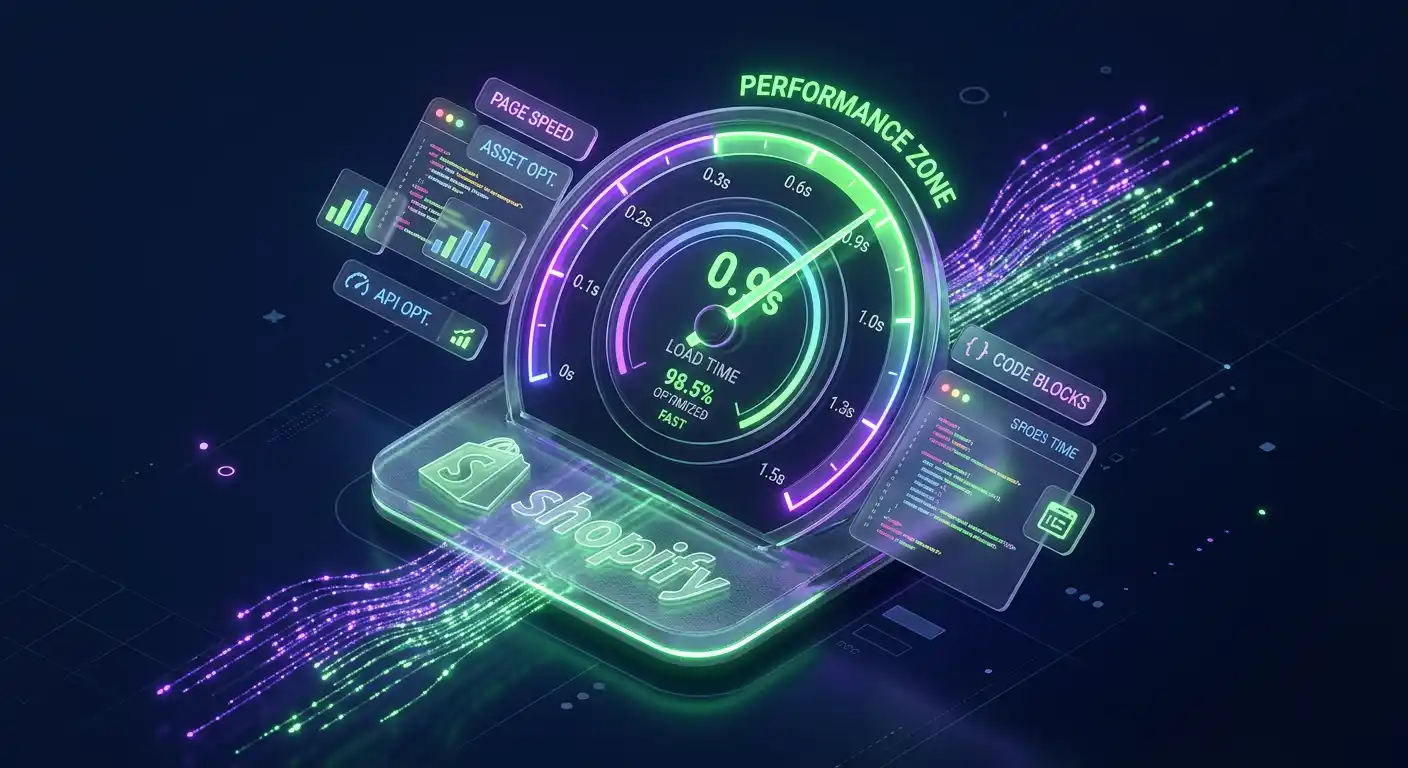
According to Google, as page load time goes from 1s to 3s, the probability of a bounce increases by 32%. For a Shopify store doing $1M in annual revenue, a mere 1-second delay could be costing you $70,000 every year.
If your PageSpeed Insights (PSI) score is in the "red zone," you aren't just facing a technical hurdle—you are facing a massive leak in your sales funnel. This guide breaks down the high-impact technical optimizations required to turn your store into a high-performance conversion machine.
Part 1: Decoding the 2026 Performance Metrics
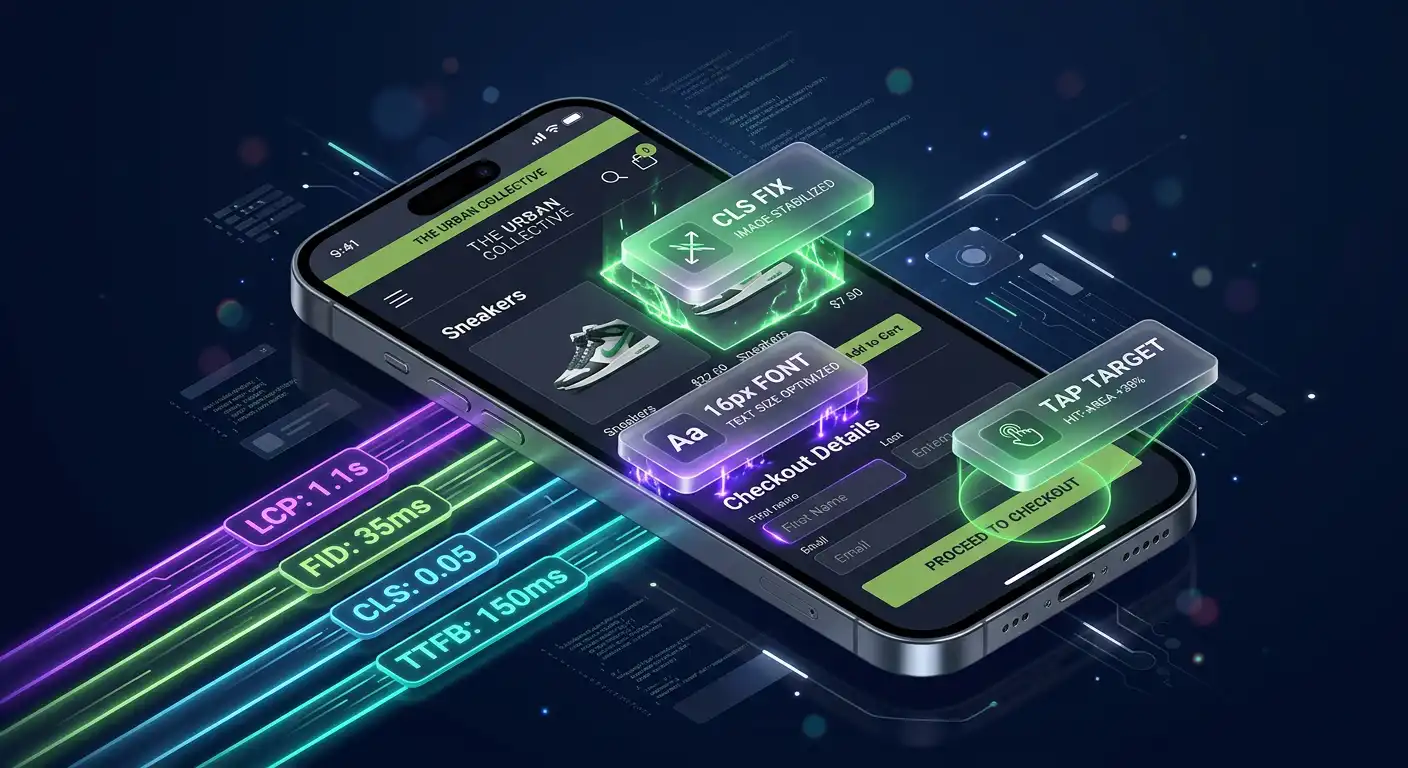
Google no longer just looks at "Load Time." Their ranking algorithm focuses on Core Web Vitals (CWV). To rank higher and convert better, you must master these three:
- LCP (Largest Contentful Paint): How fast does your hero image or main product title appear? (Target: < 2.5s)
- INP (Interaction to Next Paint): New for 2026, this measures responsiveness. When a customer clicks "Add to Cart," does it feel instant? (Target: < 200ms)
- CLS (Cumulative Layout Shift): Does your layout jump around while loading? High CLS kills trust. (Target: < 0.1)
Part 2: The "Silent Killers" of Shopify Speed
1. The "App Debt" Trap
Every app you install adds a "tax" on your site speed. Even after you click 'Uninstall,' many apps leave ghost scripts inside your theme.liquid file.
- The Fix:
- Audit Your Scripts: Use Chrome DevTools (Network Tab) to identify scripts from apps you no longer use.
- Consolidate: Replace five single-feature apps (e.g., sticky cart, countdown timer, social proof) with one high-performance "all-in-one" app or custom liquid code.
- Conditional Loading: Ensure apps only load on the pages where they are actually needed.
2. Unoptimized Media Assets
High-resolution photography sells products, but uncompressed images kill the experience.
- The Fix:
- Next-Gen Formats: Ensure all images are served in WebP or AVIF.
- Lazy Loading vs. Eager Loading: Apply
loading="lazy"to all images below the fold. However, never lazy-load your Hero Image. Usefetchpriority="high"for your LCP element to tell the browser it’s the top priority. - Video Hosting: Never upload raw MP4s to Shopify's file manager for background videos. Use a compressed version or host via a global CDN.
3. Render-Blocking JavaScript & CSS
When a browser hits a <script> tag in your header, it stops everything to download it. This results in a "white screen" for the user.
- The Fix:
- Defer & Async: Move non-critical scripts to the footer or use
deferattributes so the page content renders first. - Critical CSS: Inline the CSS required for the top part of your page (above the fold) to ensure an "instant-on" feel.
- Defer & Async: Move non-critical scripts to the footer or use
Part 3: Advanced Architecture Strategy
Transition to Online Store 2.0 (OS 2.0)
If you are still running a legacy Shopify theme, you are operating on outdated architecture. OS 2.0 themes (like Dawn, Prestige, or Impulse) utilize "JSON templates" which are significantly more efficient than the older Liquid structures.
The Headless Option
For enterprise-level brands reaching $10M+ in GMV, consider a Headless Commerce architecture using Hydrogen (Remix) or Next.js. By decoupling the frontend from the Shopify backend, you can achieve sub-second load times and a 100/100 PSI score.
Part 4: The Optimization Checklist
| Priority | Task | Impact on Revenue |
|---|---|---|
| Urgent | Remove unused App scripts & Liquid snippets | High |
| High | Optimize Hero Image (LCP) & Fetch Priority | High |
| High | Transition to WebP/AVIF Image Formats | Medium |
| Medium | Minify & Defer Javascript | Medium |
| Medium | Implement Font-Display: Swap for Typography | Low |
Part 5: Benchmarking Your Success
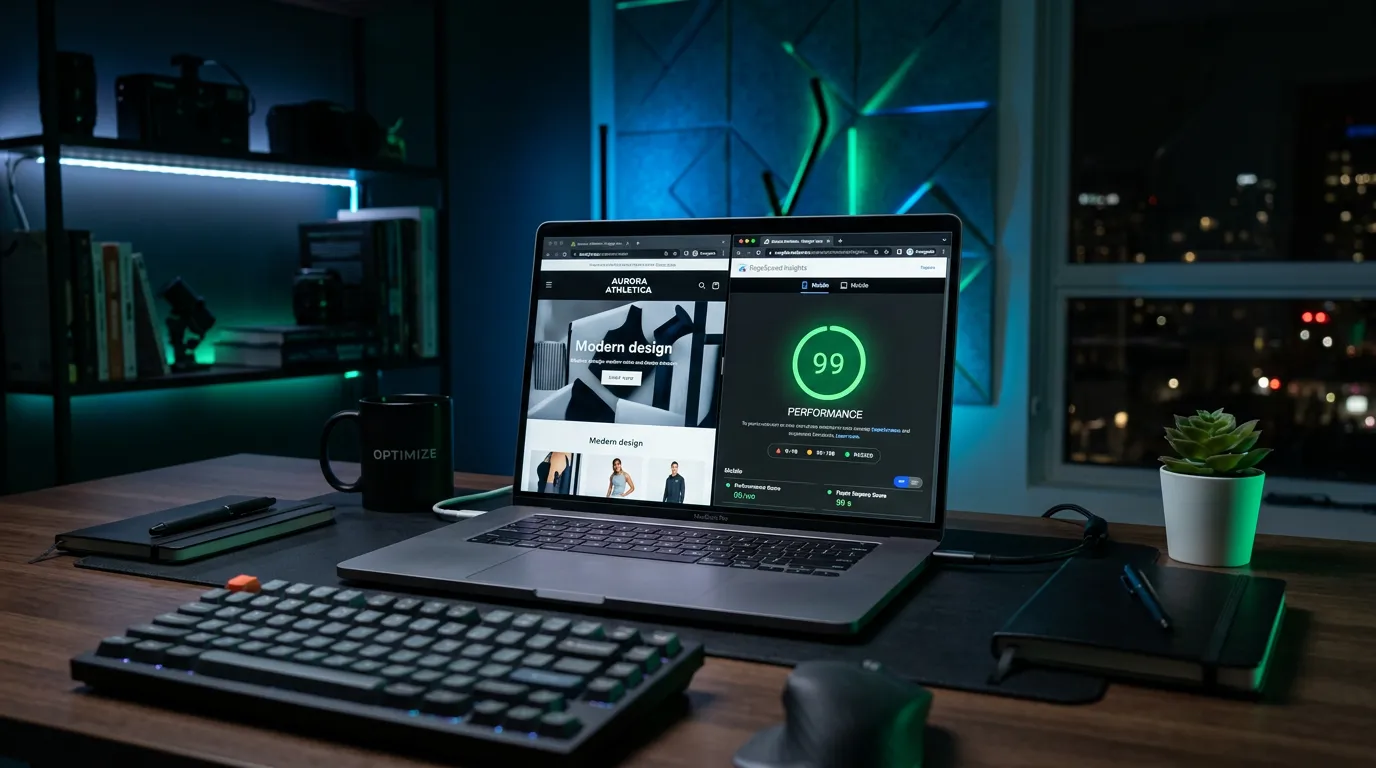
Don't chase a "100" score if it compromises your brand's aesthetic. Instead, benchmark against your competitors. If your mobile score is above 75 and your desktop is above 90, you are likely outperforming 90% of the Shopify ecosystem.
Need a Technical Deep-Dive?
Speed optimization is a moving target. If you’ve followed these steps and your store still feels sluggish, there may be deeper Liquid bottlenecks or API conflicts.
Book a Professional Performance Audit — Let’s turn your Shopify store into the fastest version of itself.
About the Author
I specialize in scaling Shopify stores for international brands by bridging the gap between high-end design and elite technical performance.