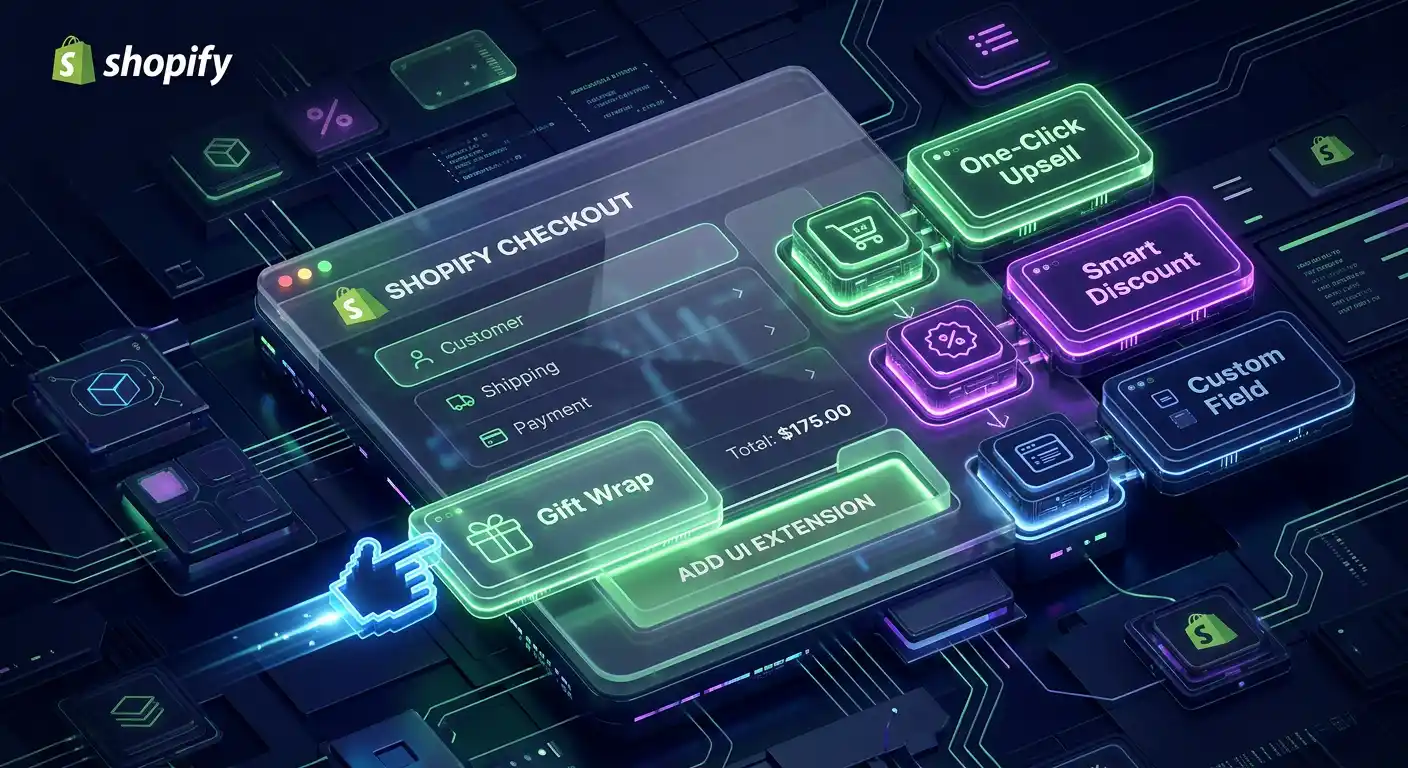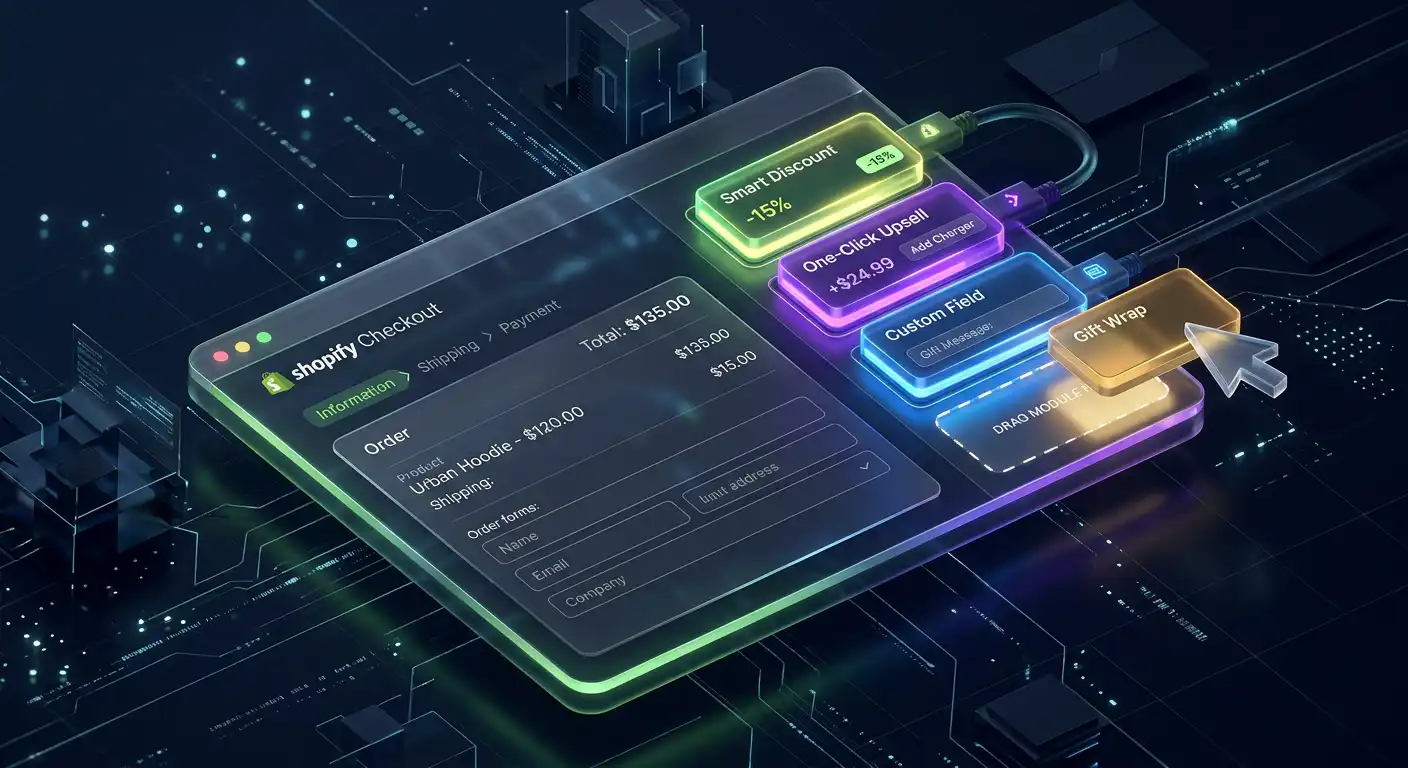
The Shopify checkout converts at an industry-leading rate because Shopify has tested and refined it with data from millions of transactions. Most store owners should not drastically change it.
But "don't drastically change it" is not the same as "don't customize it at all." Strategic, code-level customizations to the checkout — custom fields, post-purchase upsells, trust signals, brand consistency, conditional logic — can meaningfully increase both conversion rate and average order value.
The challenge: Shopify tightly controls what you can and cannot modify in checkout. Understanding exactly where the boundaries are, and what requires a developer to implement, is what this guide is about.
The Three Tiers of Checkout Customization
Not all checkout customizations are equal in terms of what's required to implement them.
Tier 1 — No code required: Shopify admin settings, theme editor controls, and basic branding. Any store owner can do these.
Tier 2 — Developer required, standard Shopify: Checkout UI Extensions, checkout functions, post-purchase pages. These require JavaScript/React development but work on any Shopify plan.
Tier 3 — Developer required, Shopify Plus only: Full checkout.liquid access (being phased out), checkout extensibility features, complex custom logic. These require Plus plan and developer work.
Let's go through each.
Tier 1: What You Can Do Without Code
Branding: In Shopify Admin → Settings → Checkout, you can upload a logo, set a background color or image, customize button colors, and choose font styles. This takes 10 minutes and significantly improves brand consistency from cart to purchase.
Custom fields (basic): You can add a "Special instructions for order" text field to the cart page. This handles basic customization requests without development work.
Tip/donation: Shopify has a native tipping option under Checkout settings that adds a tip prompt before payment.
Abandoned cart recovery: Shopify's built-in abandoned checkout emails are configured in Settings → Checkout. These are not customizable beyond basic text without code.
For most new stores, these settings + good product pages are all you need before investing in custom checkout development.
Tier 2: What a Developer Can Build on Standard Shopify
Shopify's Checkout UI Extensions framework (released in 2022 and expanded significantly since) allows developers to inject custom UI components into specific points in the checkout flow — without modifying Shopify's core checkout code.
This is the right way to customize Shopify checkout on any plan. Here's what's possible:
Custom Fields With Conditional Logic
The most common checkout customization request I work on: adding fields that capture information needed to fulfill the order — delivery instructions, gift messages, engraving text, preferred delivery date, business name for invoicing.
With Checkout UI Extensions, I can add these fields at any checkout step and attach the data to the order in Shopify's Order metafields. The information shows up in the order details so your fulfillment team sees it.
What makes this more powerful than the basic "special instructions" field is conditional logic — the field can appear or hide based on what the customer has in their cart, which shipping method they selected, or which country they're shipping to.
// Example: Show gift message field only if
// customer selects "Gift wrapping" product
import { useCartLines, TextField } from "@shopify/ui-extensions-react/checkout";

export default function GiftMessageExtension() {
  const cartLines = useCartLines();
  const hasGiftWrap = cartLines.some(
    (line) => line.merchandise.product.handle === "gift-wrapping",
  );

  if (!hasGiftWrap) return null;

  return (
    <TextField
      label="Gift message (optional)"
      multiline={3}
      onChange={(value) => updateMetafield("gift_message", value)}
    />
  );
}
Post-Purchase Upsell Pages
Immediately after a customer completes their purchase — after they click "Pay now" but before they see the order confirmation — you can show them a one-click upsell offer.
This is one of the highest-converting upsell placements in e-commerce because the customer just committed to buying from you. Their credit card is already in the system. A relevant add-on offer at this moment converts significantly better than any pre-purchase popup or email.
With a post-purchase extension, the customer sees the offer and can add it to their just-placed order with one tap — no re-entering payment information.
Implementation requires a Shopify app (either a third-party upsell app or a custom one built with the Shopify App Bridge) and developer configuration to set up the offer logic and page design.
Checkout Functions — Custom Discount Logic
Checkout Functions allow developers to write custom discount rules that execute server-side during checkout. This goes beyond Shopify's native discount system.
Common uses:
- Volume discounts — Buy 3, save 10%; buy 6, save 20% — calculated at the product level, not just overall cart total
- Customer-tag discounts — VIP customers, wholesale buyers, or loyalty tiers get different pricing automatically
- Bundle discounts — Buy product A and product B together for a combined discount
- Tiered free shipping — Free shipping only on orders over $75 that include at least one item from a specific collection
These functions are written in JavaScript (or compiled to WebAssembly for performance) and run on Shopify's servers during checkout, so they're fast and reliable.
Custom Payment Method Visibility
Using Checkout Functions, you can hide or reorder payment methods based on cart contents or customer data. If you don't want to offer "Buy Now Pay Later" on orders under $50, or you want to promote Shop Pay first to returning customers, this is possible through code.
Tier 3: Shopify Plus Checkout Customization
Shopify Plus ($2,000+/month) gives you access to checkout.liquid — a template file that controls the entire checkout page HTML. This allows full design control but is technically complex and being phased out in favor of Checkout Extensibility.
More importantly for Plus stores: Checkout Extensibility on Plus allows custom scripts to run at checkout for complex B2B pricing, custom shipping rate logic, and full checkout page design overhauls that aren't possible at lower plans.
If you're doing over $1M/year in revenue and have specific checkout requirements that standard Checkout UI Extensions can't meet, Plus + a developer is worth evaluating.
The Custom Checkout Projects I Work On Most Often
1. Gift message + gift wrapping custom fields — Show a gift message field when gift wrap is in the cart, capture and display the message on packing slips. Estimated time: 1–2 days.
2. Custom delivery date picker — Let customers select a preferred delivery date during checkout, validate against your shipping lead times, attach to the order. Estimated time: 2–3 days.
3. B2B checkout fields — Company name, VAT number, PO number fields for wholesale/B2B customers with order tagging. Estimated time: 1–2 days.
4. Post-purchase one-click upsell — Design and configure a relevant product offer on the post-purchase page with one-tap add-to-order. Estimated time: 2–4 days.
5. Volume discount functions — Custom server-side discount logic for tiered pricing that Shopify's native discounts can't handle. Estimated time: 3–5 days.
What's Not Possible (Without Shopify Plus)
To set expectations: these checkout customizations are not possible on standard Shopify plans regardless of developer skill:
- Removing Shopify's checkout branding entirely
- Adding arbitrary JavaScript to the checkout page (security restriction)
- Custom payment gateway integrations outside Shopify's approved list
- Full HTML/CSS control of the checkout layout
Shopify restricts these for legitimate reasons — checkout security, conversion rate consistency, and fraud prevention. The Checkout UI Extensions framework exists specifically to provide customization within those guardrails.
The Right Question to Ask
Before investing in checkout customization, ask: "Is the checkout actually where I'm losing customers, or is it somewhere earlier?"
Use Shopify Analytics → Checkout funnel to see where customers are dropping off. If you're losing most visitors on your product page or when they see shipping costs, fixing the checkout won't help.
Checkout customization moves the needle when your store has:
- High cart-to-checkout rate but lower checkout completion rate
- Products that require additional information (custom orders, B2B)
- Strong existing sales that can be improved by post-purchase upsells
If that describes your store, checkout development is one of the highest-ROI technical investments you can make.
I've built checkout customizations for stores across apparel, home goods, food and beverage, and B2B supply. If you have a specific checkout problem — a field you need to capture, an upsell you want to implement, or a friction point customers are hitting — I can scope what's needed and build it right.