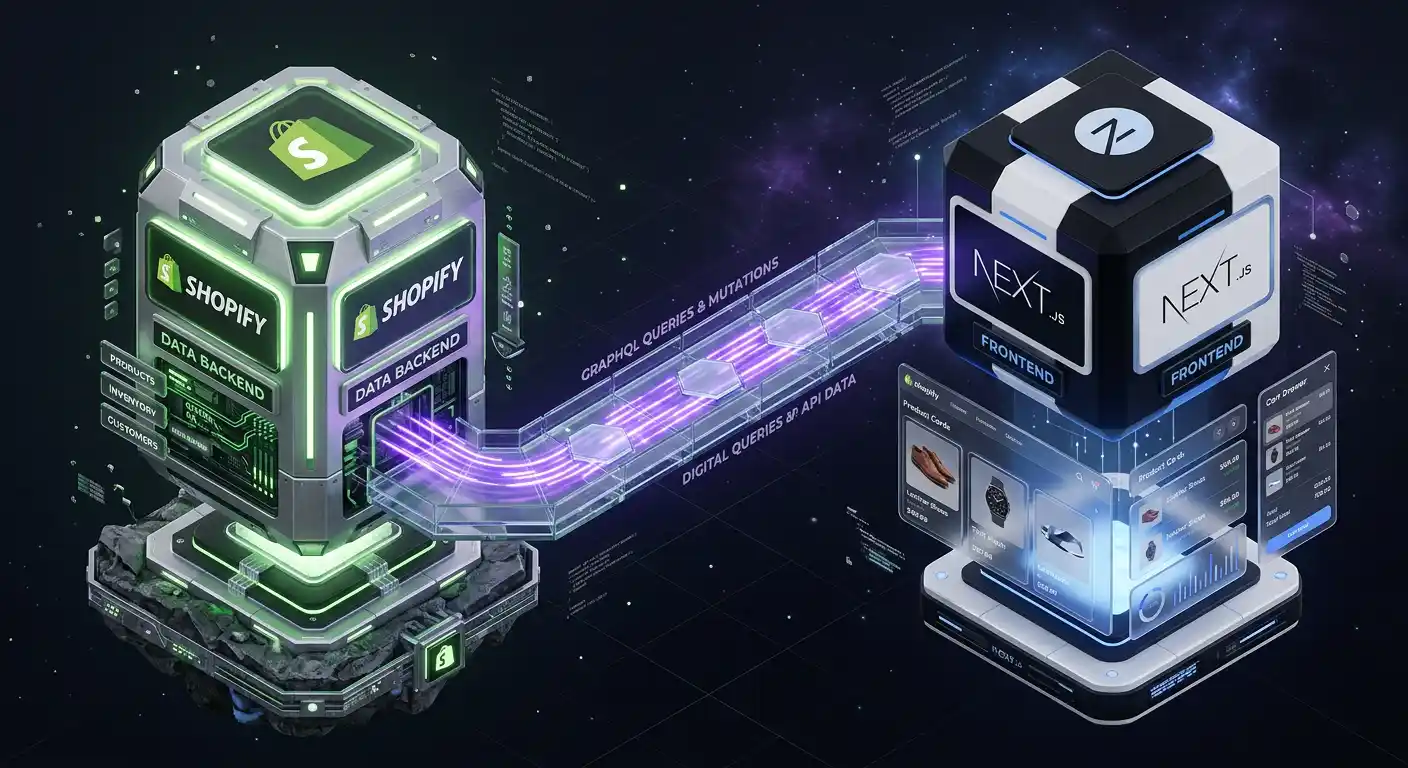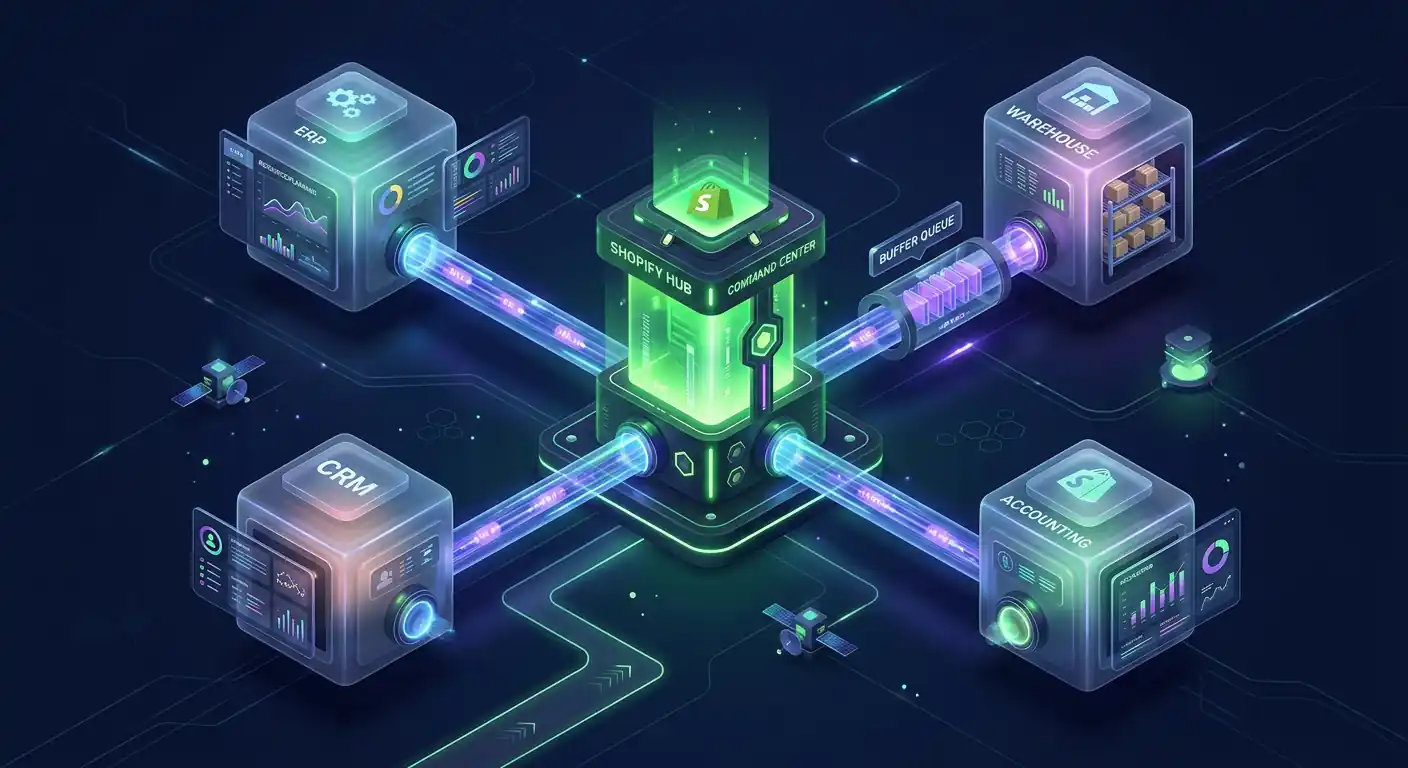
Your Shopify store is the center of your business, but it's rarely the only system. There's accounting software, an ERP, a CRM for customer relationships, a warehouse management system, a loyalty platform, a wholesale portal.
Getting these systems to talk to each other — to share data reliably, in real time, without manual exports and imports — is one of the most common and most impactful technical projects a growing Shopify store undertakes.
It's also one of the most common sources of problems when it's done wrong.
This guide explains how Shopify integrations actually work, what makes them reliable versus fragile, and what a well-built integration looks like from a developer's perspective.
The Two Ways Shopify Talks to External Systems
Every integration between Shopify and another tool uses one or both of these mechanisms:
1. Shopify Admin API (Pull Model)
The Admin API is Shopify's REST and GraphQL interface for reading and writing store data. Any authorized application can:
- Read orders, customers, products, inventory, fulfillment data
- Create and update products, customer records, orders
- Trigger fulfillments, refunds, and order edits
The pull model means your external system requests data from Shopify on a schedule — every 15 minutes, every hour, once a day. It's simple to implement but has drawbacks: there's always a delay between something happening in Shopify and your external system knowing about it.
2. Shopify Webhooks (Push Model)
Webhooks are real-time notifications. When something happens in Shopify — an order is placed, inventory drops to zero, a customer updates their address — Shopify immediately sends an HTTP POST request to a URL you specify with the event data.
This is the preferred model for anything time-sensitive. An order coming in should hit your ERP within seconds, not on the next scheduled poll.
A well-designed integration uses webhooks for real-time events and the API for initial data sync and bulk operations.
A Real Integration Architecture: Shopify → NetSuite
To make this concrete, here's how I'd architect a Shopify to NetSuite (ERP) integration for a mid-size retailer:
Events to handle:
- New order → Create Sales Order in NetSuite
- Order fulfilled in Shopify → Update Sales Order status in NetSuite
- Inventory update in NetSuite → Update inventory levels in Shopify
- New customer in Shopify → Create Customer record in NetSuite
- Refund in Shopify → Create Credit Memo in NetSuite
Architecture:
Shopify → Webhook → Queue (SQS/Redis) → Worker → NetSuite API
                                     ↑
NetSuite → Scheduled export → Parser → Shopify Admin API
The queue is critical. Webhooks from Shopify need to be acknowledged within 5 seconds or Shopify will retry them (up to 19 times over 48 hours). If your NetSuite API call takes 10 seconds, you'll have duplicate order creation.
The right pattern:
- Webhook arrives → immediately write to queue, return 200 OK to Shopify
- Worker picks up from queue → processes the event, calls NetSuite API
- Error handling → if NetSuite API fails, retry with exponential backoff, alert on repeated failure
// Webhook handler (Next.js API route)
export async function POST(req: Request) {
  const rawBody = await req.text();

  // Verify webhook authenticity
  const hmac = req.headers.get("x-shopify-hmac-sha256");
  if (!verifyShopifyWebhook(rawBody, hmac)) {
    return new Response("Unauthorized", { status: 401 });
  }

  const order = JSON.parse(rawBody);

  // Immediately queue for async processing
  await queue.add("process-order", {
    shopifyOrderId: order.id,
    orderData: order,
    timestamp: Date.now(),
  });

  // Return 200 immediately — don't wait for NetSuite
  return new Response("OK", { status: 200 });
}

// Queue worker (runs separately)
queue.process("process-order", async (job) => {
  const { orderData } = job.data;

  try {
    // Transform Shopify order to NetSuite format
    const netsuiteSalesOrder = transformOrder(orderData);

    // Create in NetSuite
    const result = await netsuiteClient.createSalesOrder(netsuiteSalesOrder);

    // Store mapping between Shopify order ID and NetSuite SO ID
    await db.orderMappings.create({
      shopifyId: orderData.id,
      netsuiteId: result.id,
    });
  } catch (error) {
    // Log and re-throw for queue retry
    logger.error("NetSuite order creation failed", {
      error,
      orderId: orderData.id,
    });
    throw error;
  }
});
The Three Things That Make Integrations Break
Understanding why integrations fail is as important as knowing how to build them. Most integration failures fall into three categories:
1. No idempotency
An idempotent operation produces the same result whether it runs once or ten times. Integration processes need to be idempotent because:
- Shopify retries failed webhook deliveries
- Network errors can cause duplicate events
- Bugs in your code might process an event twice
Without idempotency, a single order can end up in NetSuite as two sales orders. A single inventory update can double-update your Shopify inventory.
The fix: track processed event IDs. Before processing any event, check if you've already processed it:
async function processOrder(shopifyOrderId: string, orderData: Order) {
  // Check if already processed
  const existing = await db.orderMappings.findOne({
    where: { shopifyId: shopifyOrderId },
  });

  if (existing) {
    logger.info("Order already processed, skipping", { shopifyOrderId });
    return existing;
  }

  // Process and record
  const result = await createInNetSuite(orderData);
  await db.orderMappings.create({
    shopifyId: shopifyOrderId,
    netsuiteId: result.id,
  });
  return result;
}
2. No error visibility
An integration that silently fails is worse than no integration. If orders stop syncing to your ERP and nobody notices for 3 days, you have fulfillment chaos.
Every integration needs:
- Error logging with context (what failed, which record, what the API said)
- Alerting when error rates exceed a threshold (email or Slack notification)
- A dashboard or log view where you can see sync status for any order or product
- Manual retry capability for failed events
3. No rate limit handling
Shopify's Admin API has rate limits. The REST API allows 2 requests per second on standard plans; the GraphQL API uses a "cost" system with a bucket that refills at 50 points per second. Your integration needs to handle 429 (Too Many Requests) responses gracefully:
async function shopifyApiRequest(
  query: string,
  variables: object,
  retries = 3,
) {
  for (let attempt = 0; attempt < retries; attempt++) {
    const response = await fetch(shopifyApiUrl, {
      method: "POST",
      headers: shopifyHeaders,
      body: JSON.stringify({ query, variables }),
    });

    if (response.status === 429) {
      const retryAfter = parseInt(response.headers.get("Retry-After") || "2");
      await sleep(retryAfter * 1000);
      continue; // Retry
    }

    return await response.json();
  }
  throw new Error("Rate limit exceeded after retries");
}
Common Shopify Integration Scenarios
Shopify → QuickBooks Online: Sync orders as sales receipts, customers as QuickBooks customers, refunds as credit memos. Most stores use a scheduled sync (every 15 minutes) rather than real-time webhooks for accounting data — accounting doesn't need sub-second latency.
Shopify → ShipStation / EasyPost: Real-time webhook on orders/create → create shipment in ShipStation → webhook back from ShipStation on fulfillment → update Shopify order with tracking number.
Shopify inventory → POS system: Bidirectional sync is the hardest type. An inventory change in either system needs to propagate to the other without creating loops. Requires careful conflict resolution logic (which system wins when both update the same SKU simultaneously?).
Shopify → Klaviyo / ActiveCampaign: Shopify has native Klaviyo integration, but custom event tracking — product views, search queries, wishlist additions — requires custom JavaScript that fires Klaviyo events through their JavaScript SDK.
Shopify → Wholesale portal: Customers log in to a separate portal, see their contract pricing, place orders that flow back into Shopify as draft orders. Requires the Storefront API for product data, the Admin API for order creation, and a custom authentication system.
What to Look For in a Developer for Integration Work
Not every developer who can build a Shopify theme should be building API integrations. The skill sets overlap but aren't identical.
For integration work, look for evidence of:
- Experience with queue-based architecture (not just direct API calls)
- Understanding of webhook reliability and idempotency
- Error handling and observability (logging, alerting, monitoring)
- API rate limiting and throttling patterns
- Data transformation and mapping between different schema designs
- Experience with the specific target system (NetSuite, QuickBooks, ShipStation, etc.)
The integration that costs $3,000 to build correctly is better than the one that costs $800 to build in a way that requires constant attention and breaks when Shopify API versions change.
If your store relies on manual exports and imports between Shopify and any other business system, that's a direct operational cost — in time, in error risk, and in the delay between reality and the data your systems are working from. A well-built integration pays for itself quickly in time saved and errors eliminated.
If you have a specific integration you need built — or an existing integration that keeps breaking — reach out and I'll tell you honestly what it would take to do it right.