"We want headless Shopify." I hear this from store owners regularly — usually after they've hit a wall with what a standard Shopify theme can do, or after reading that headless is faster and more customizable.
Sometimes headless is absolutely the right decision. Sometimes it's massive over-engineering for a store that would be better served by a well-built custom theme. Knowing the difference before you commit to a headless architecture saves significant time and money.
This guide gives you an honest picture of what headless Shopify + Next.js actually involves, what it costs, when it makes sense, and what the technical implementation looks like from a developer's perspective.
What "Headless Shopify" Actually Means
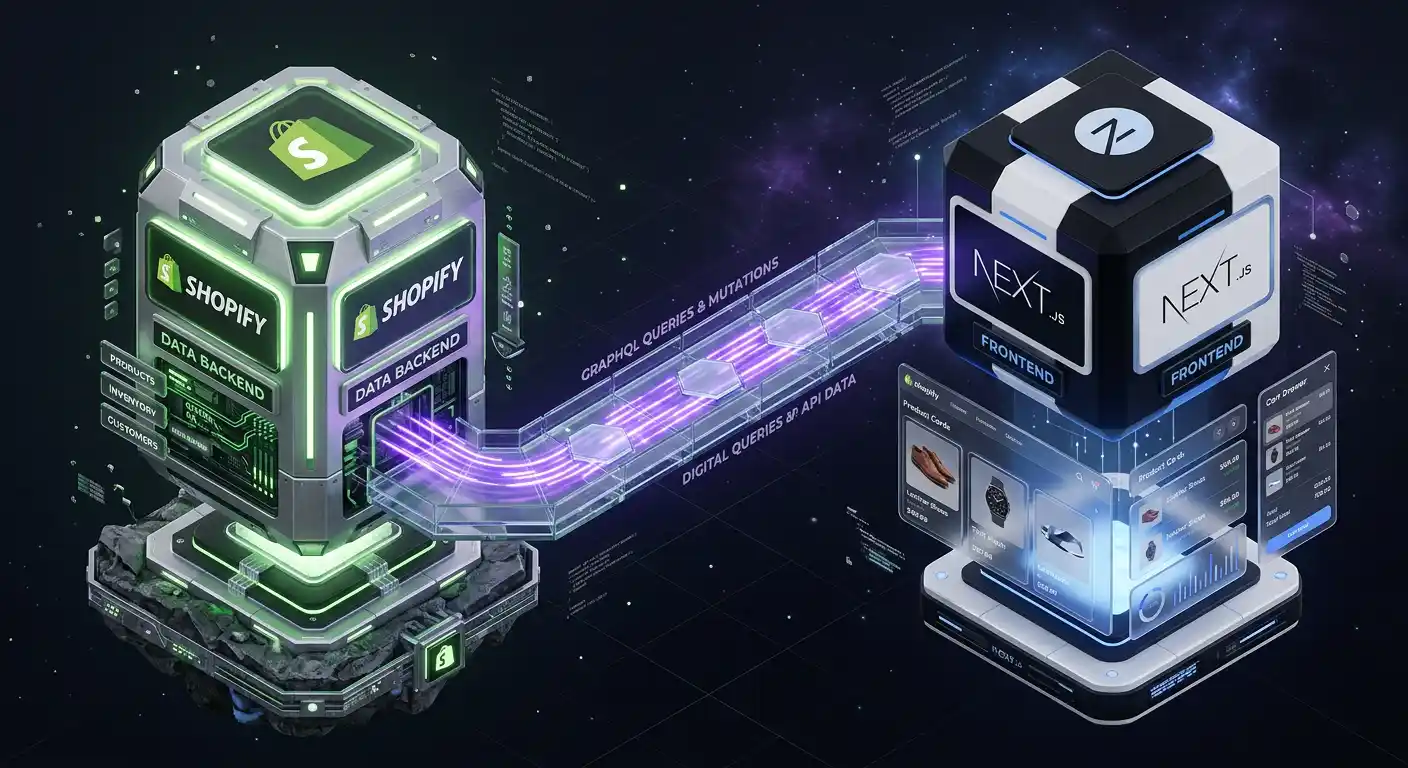
In a standard Shopify setup, Shopify handles everything: backend (products, orders, customers, payments) and frontend (the theme that displays your store to customers).
In a headless setup, you separate these two responsibilities:
Shopify handles the backend: Product catalog, inventory, checkout, payments, orders, fulfillment. You keep everything in Shopify's admin.
A custom frontend handles the UI: A Next.js application (or React, Vue, etc.) that communicates with Shopify via the Storefront API to display products, handle the cart, and drive customers to the Shopify checkout.
The Storefront API is Shopify's GraphQL API specifically designed for building custom frontends. It lets you query products, collections, variants, inventory, pricing, and customer data — and handle cart operations — from any external application.
Why Developers Choose Next.js for Headless Shopify
Next.js is the dominant choice for Shopify headless builds for several reasons:
React Server Components — Next.js 13+ allows you to fetch Shopify data directly on the server, render HTML, and send it to the browser with zero JavaScript overhead for static content. This is transformatively faster than client-side rendering.
App Router and layouts — Shared layouts, nested routing, and loading states map perfectly to e-commerce page structures.
Image optimization — Next.js's <Image> component handles WebP conversion, lazy loading, and responsive srcsets automatically — critical for product image performance.
Static Generation + Revalidation — Product pages can be statically generated at build time and revalidated on a schedule (ISR — Incremental Static Regeneration). This means your product pages serve from CDN with near-zero server response time while staying up-to-date with inventory changes.
API routes — Next.js API routes handle webhook processing, custom discount logic, and server-side operations that shouldn't be exposed to the client.
A Real Storefront API Implementation
Here's what fetching a product looks like with the Shopify Storefront API from a Next.js Server Component:
// lib/shopify.ts
const STOREFRONT_API_URL = `https://${process.env.SHOPIFY_STORE_DOMAIN}/api/2024-04/graphql.json`;

export async function getProduct(handle: string) {
  const query = `
    query GetProduct($handle: String!) {
      product(handle: $handle) {
        id
        title
        handle
        description
        priceRange {
          minVariantPrice { amount currencyCode }
        }
        images(first: 10) {
          edges {
            node {
              url
              altText
              width
              height
            }
          }
        }
        variants(first: 100) {
          edges {
            node {
              id
              title
              availableForSale
              price { amount currencyCode }
              selectedOptions { name value }
            }
          }
        }
      }
    }
  `;

  const res = await fetch(STOREFRONT_API_URL, {
    method: "POST",
    headers: {
      "Content-Type": "application/json",
      "X-Shopify-Storefront-Access-Token":
        process.env.SHOPIFY_STOREFRONT_TOKEN!,
    },
    body: JSON.stringify({ query, variables: { handle } }),
    next: { revalidate: 60 }, // Revalidate every 60 seconds
  });

  const { data } = await res.json();
  return data.product;
}
// app/products/[handle]/page.tsx
import { getProduct } from '@/lib/shopify';
import ProductGallery from '@/components/ProductGallery';
import AddToCartButton from '@/components/AddToCartButton';
// Static generation with ISR
export async function generateStaticParams() {
// Fetch all product handles from Shopify
const handles = await getAllProductHandles();
return handles.map(handle => ({ handle }));
}
export default async function ProductPage({
params
}: {
params: { handle: string }
}) {
const product = await getProduct(params.handle);
return (
<main>
<ProductGallery images={product.images.edges} />
<h1>{product.title}</h1>
<p>{product.description}</p>
<AddToCartButton variants={product.variants.edges} />
</main>
);
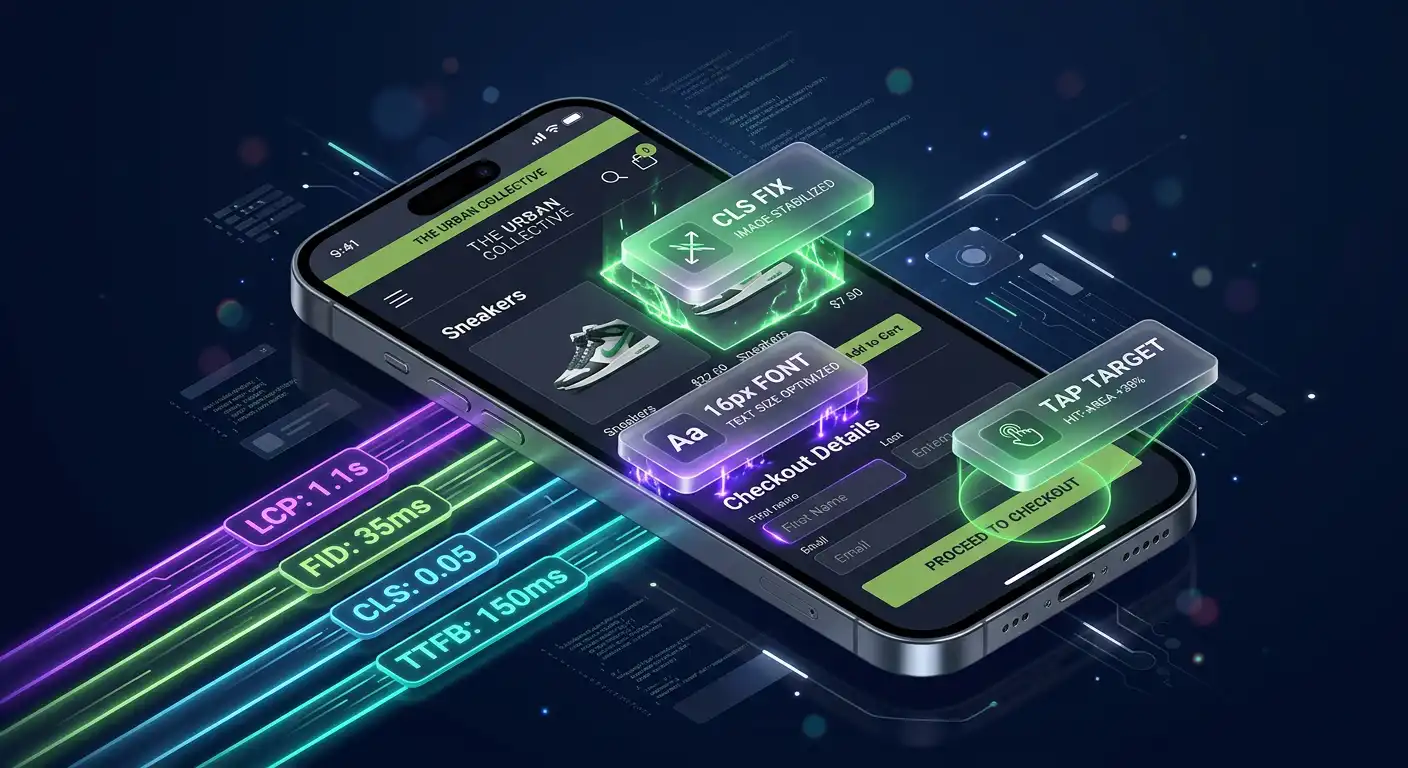
}The product page is rendered on the server, sent as HTML, and served from Cloudflare or Vercel's CDN. Time to First Byte (TTFB) is typically under 50ms. LCP is under 1 second. This is simply not achievable with a standard Shopify theme.
Cart and Checkout Architecture
The cart in a headless Shopify build is managed through the Storefront API's cart mutations. The cart state is stored either in a React context (client-side) or in cookies (server-side).
// Cart creation
const CREATE_CART = `
  mutation CartCreate($lines: [CartLineInput!]) {
    cartCreate(input: { lines: $lines }) {
      cart {
        id
        checkoutUrl
        lines(first: 100) {
          edges {
            node {
              id
              quantity
              merchandise {
                ... on ProductVariant {
                  id
                  title
                  price { amount }
                  product { title featuredImage { url } }
                }
              }
            }
          }
        }
        cost {
          totalAmount { amount currencyCode }
          subtotalAmount { amount currencyCode }
        }
      }
    }
  }
`;
One key architectural decision: the checkout itself always stays on Shopify. The checkoutUrl from the cart API sends customers to Shopify's hosted checkout. This means Shopify handles payment security, PCI compliance, and checkout conversion optimization. You get a fully custom storefront without rebuilding the checkout from scratch.
Performance Comparison: Headless vs. Shopify Theme
On a real store I migrated from a standard Shopify theme to Next.js headless:
| Metric | Shopify Theme (Dawn) | Next.js Headless |
|---|---|---|
| Mobile PageSpeed | 58 | 96 |
| LCP | 4.2 seconds | 0.9 seconds |
| Total JS (homepage) | 480KB | 95KB |
| TTFB | 380ms | 42ms |
| Build type | Server-rendered | Static + ISR |
These improvements translate directly to better conversion rates and better Google rankings. Core Web Vitals are a Google ranking factor, and a 96 vs 58 score difference is significant for competitive keywords.
When Headless Makes Sense
Go headless when:
- You need a highly custom UI that a theme can't achieve — complex product configurators, custom filtering, unconventional layouts
- Performance is critical and your current Shopify theme is scoring below 60 on PageSpeed despite optimization attempts
- You're building a multi-channel frontend — the same Next.js app powers your website, mobile app, and a kiosk interface, all pulling from the same Shopify backend
- You need content management beyond Shopify's native capabilities — blog-heavy stores, editorial content, complex landing pages managed through a headless CMS
- You're doing $1M+ in revenue and small conversion rate improvements from better performance justify the development investment
Stay on a standard Shopify theme when:
- Your store is under $500K/year — the development cost of headless typically exceeds the ROI at this scale
- You rely heavily on Shopify apps — many apps don't have Storefront API support and won't work in a headless setup
- Your team needs to make frequent theme changes without developer involvement — headless requires a developer for any frontend changes
- Your current theme performs adequately (80+ PageSpeed) after optimization
What a Headless Shopify Build Actually Costs
A well-built Next.js + Shopify headless storefront for a mid-complexity e-commerce store typically involves:
Architecture and setup: Shopify Storefront API configuration, Next.js project setup, environment configuration, Shopify webhook integration (3–5 days)
Core pages: Home, collection, product detail, cart, account (8–15 days depending on design complexity)
Cart and checkout flow: Cart context, add/remove/update mutations, checkout URL handling, abandoned cart recovery (3–5 days)
Search and filtering: Product search with Shopify's Search API or Algolia integration, collection filtering with variant-level filtering (3–6 days)
Performance optimization: Image optimization, ISR configuration, CDN setup, Core Web Vitals optimization (2–3 days)
Total: A production-ready headless storefront is typically a 3–6 week project for an experienced developer.
This is not a weekend project, and it's not something to hand to a general web developer who hasn't worked with the Storefront API before. The architecture decisions made early in a headless build have significant long-term consequences.
The Right Conversation to Have Before Going Headless
Before committing to a headless architecture, the honest conversation is: what specifically is your current theme preventing you from doing, and is headless actually the solution?
Sometimes the answer is a performance-optimized custom theme section. Sometimes it's a Checkout UI Extension. Sometimes it genuinely is headless.
I've built headless Shopify stores with Next.js for brands across several industries. If you're considering headless and want a realistic assessment of whether it's the right path for your store — including what it would cost and what you'd gain — I'm happy to look at what you're working with and give you an honest answer.